- NZ Radio / CarPlay / Android Auto Stereo

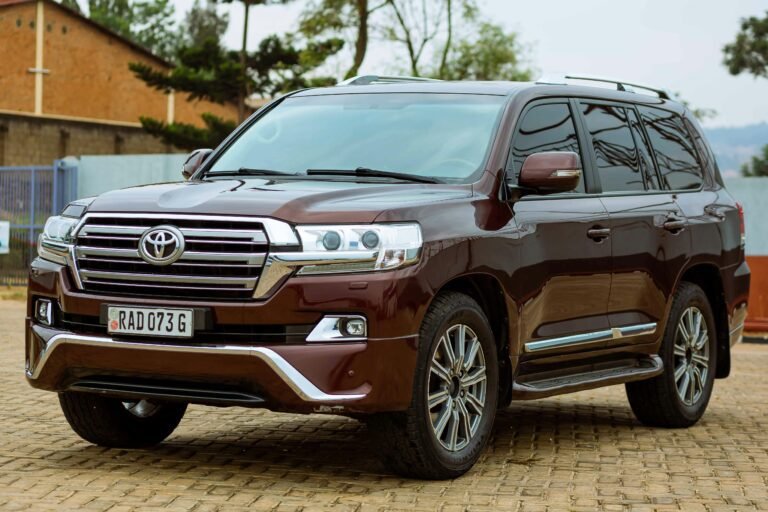
Toyota
Honda
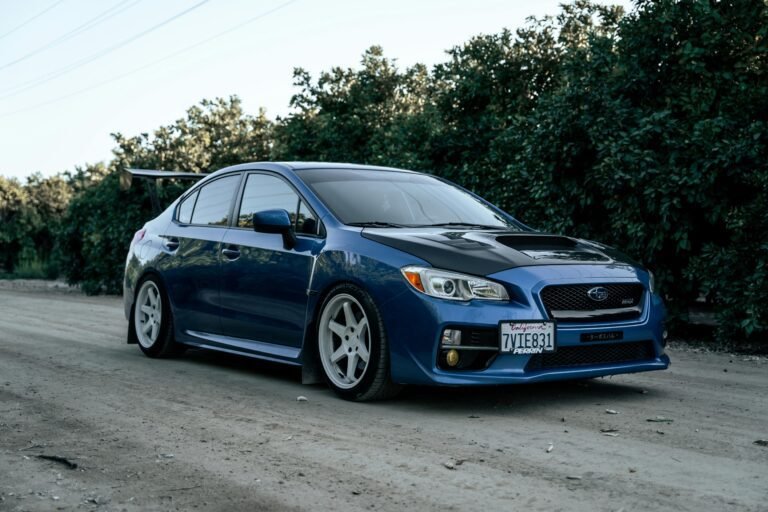
Subaru
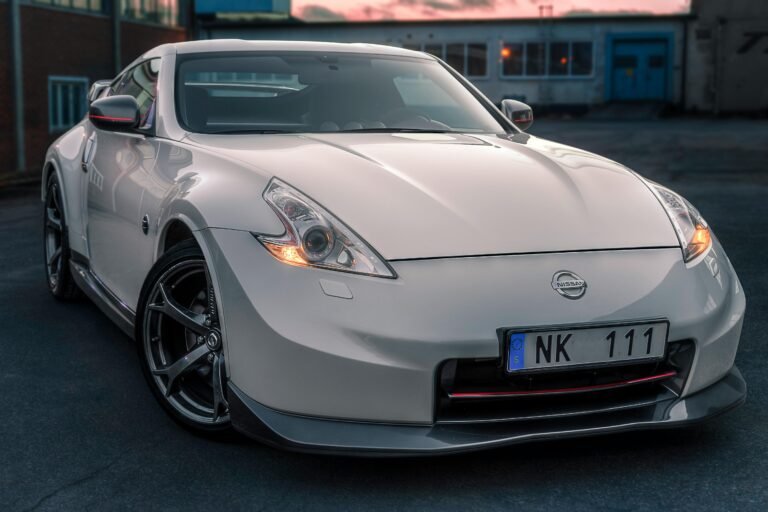
Nissan
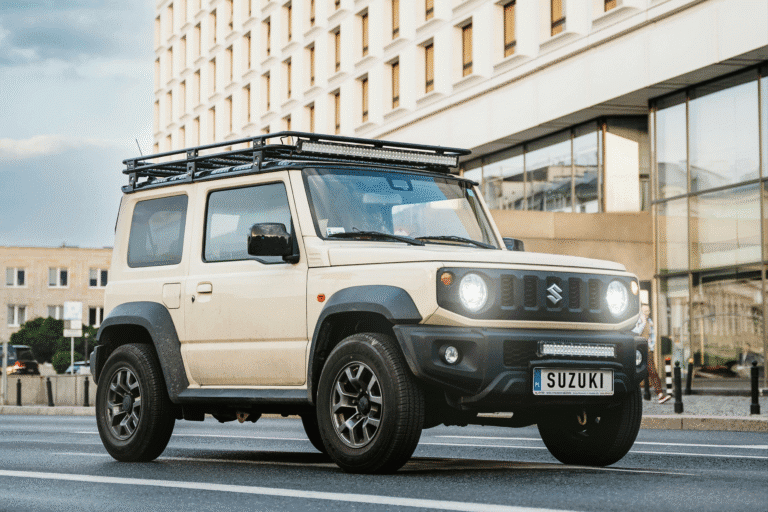
Suzuki
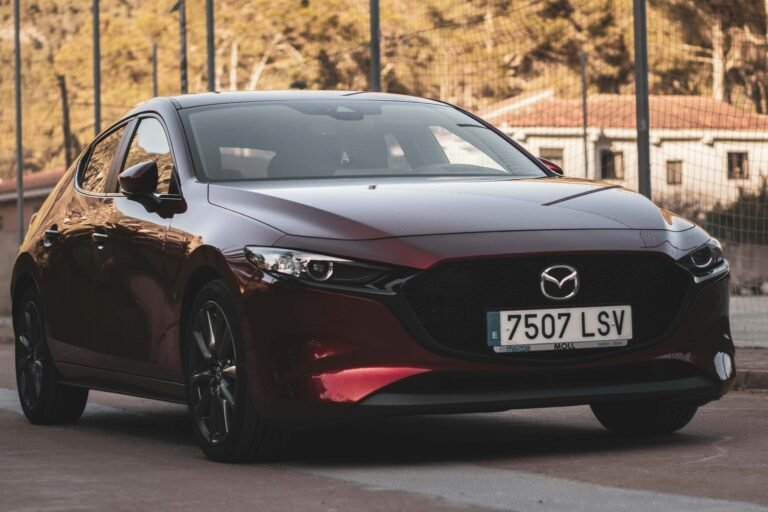
Mazda
Mitsubishi
Daihatsu
- CarPlay / Android Auto Interface
-
2014–2018 Mazda 3 / Axela Wired CarPlay & Android Auto Upgrade | Audiolot Wellington
Original price was: $349.00.$249.00Current price is: $249.00.
-
2012-2016 BMW NBT Apple CarPlay & Android Auto Upgrade
Original price was: $850.00.$699.00Current price is: $699.00.
BMW
Mercedes-Benz
Audi
Volkswagen
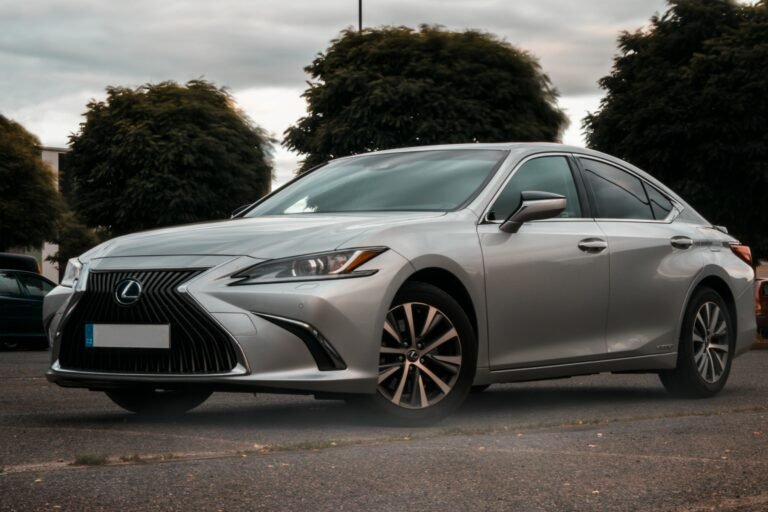
Lexus
Mazda
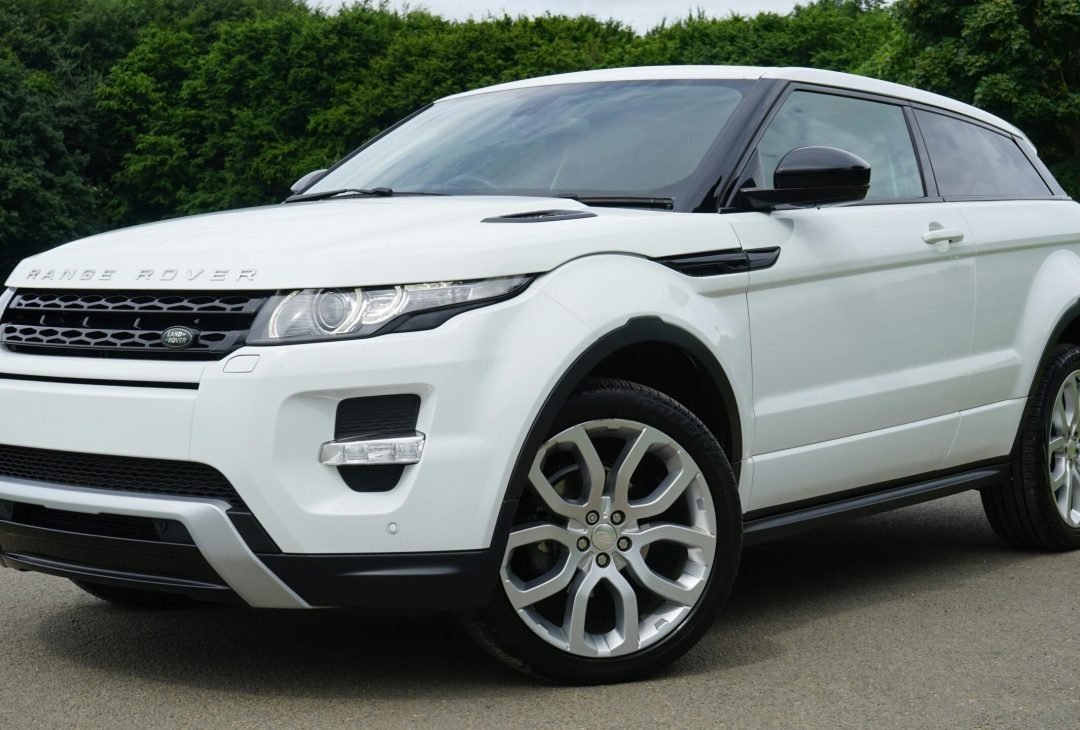
Land Rover
Land Cruiser
-
- BMW/Mercedes -Benz Touch Screen
-
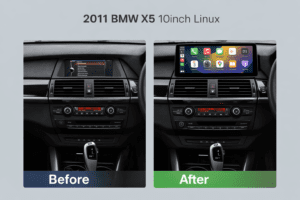
2006-2013 BMW X5 E70 Wirless CarPlay/Android Auto Touch Screen
Original price was: $599.00.$475.00Current price is: $475.00.
-
- Coding Service
- Accessary/Other Service
-
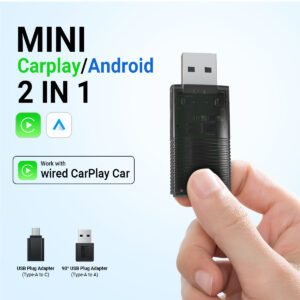
MINI 2 in 1 CarPlay/Android Auto Adaptor
Original price was: $99.00.$80.00Current price is: $80.00.